
Loading your account…
Sign in
to continue to Trapola
This email belongs to more than one workspace. Choose one:
This account is paused. You can resume it anytime with your password.
Accounts are created by your workspace admin. Your sign-in is protected by the Trapola auth system — we never store your password in plain text.
Create your account
One account for all Trapola apps
Your password is stored hashed, never in plain text. You can add more to your profile later — everything except email and password is optional.
Welcome back
Your apps, in one place.
Your apps
No apps match your search.
Admin dashboards
Consoles for running the platform — admins only.
Free software picks Open source
You don't have to pay for Microsoft Office. These free, open-source apps from the ArtCraft community open and save the same files — and they're not Trapola apps; we just think more people should know they exist.
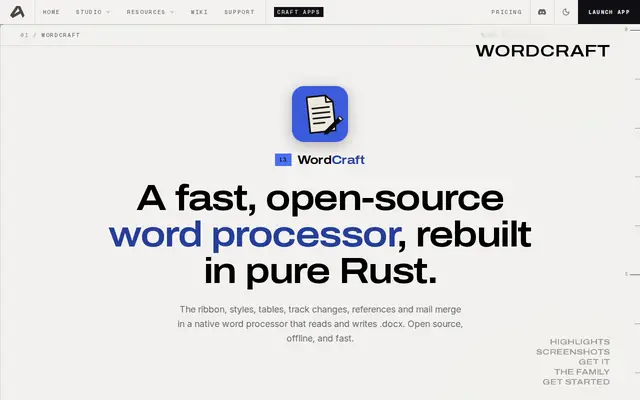
WordCraft
Free alternative to Microsoft Word — reads and writes .docx
Free · Open source ↗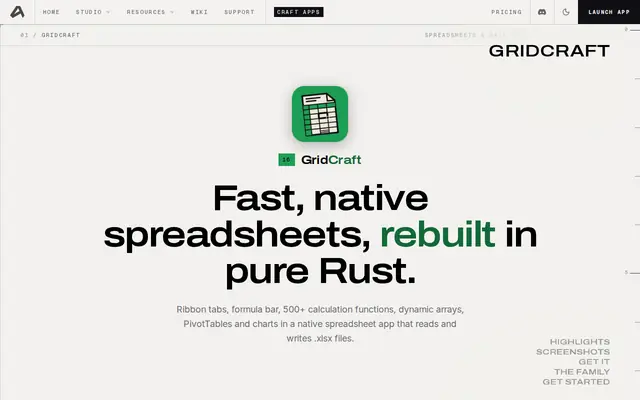
GridCraft
Free alternative to Microsoft Excel — reads and writes .xlsx
Free · Open source ↗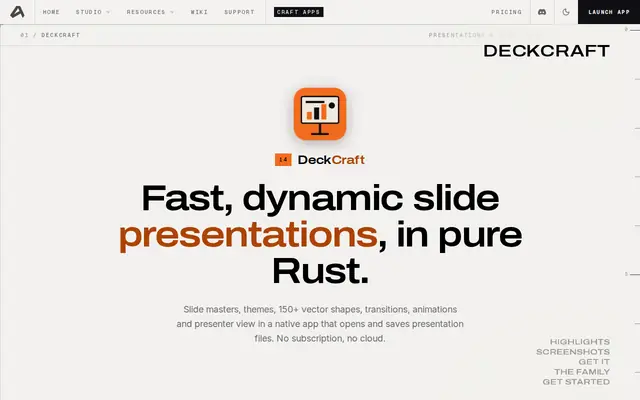
DeckCraft
Free alternative to Microsoft PowerPoint — opens and saves .pptx
Free · Open source ↗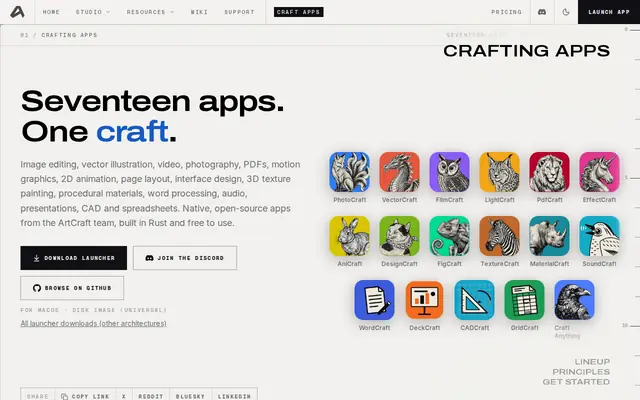
All 17 Crafting Apps
Photo, video, audio, PDF, CAD and more — the full free lineup at ArtCraft
Browse ↗Business tools Coming soon
More Trapola tools are on the way — they'll appear here automatically when they launch.
Your Trapola account
Manage your profile, security and privacy in one place.
—
—
—
Security
Password
Change your password. You'll stay signed in here, but every other device will need to sign in again.
Email address
Change the email you sign in with. We'll send a confirmation link to the new address first.
2-Step Verification Coming soon
Double authentication is on the way. When it launches, you'll be able to add an authenticator app here for extra protection.
Usage & limits
Daily limits that keep Trapola fair for everyone — and your own usage against them.
Signed-in devices
Sign out everywhere at once — every browser and device, including this one.
Privacy
Pause your account
Temporarily block sign-in to all Trapola apps. Your data stays put, and you can resume anytime with your password.
Delete your account
Permanently delete your Trapola account and sign-in identity. This cannot be undone.
Admin — Manage users
Requests, users and their app access. Every change is written to the audit log.
Access requests
People asking for the gated apps (Beaver Academy, Chantia, Restaurant POS, Support). Approve or deny — the user sees the decision on their dashboard.
Loading…
Users
Pick a workspace, then click a user to see every app they can or cannot use — and why.
Users
| User | Role | Status | Created |
|---|
Alerts
Automatic blocks land here so you can check each one — a real customer with a problem should be unblocked, not a bad actor kept in.
Loading…
Abuse limits
Daily limits per user. Each app enforces its own numbers and reports trips to this hub; enough flags inside the window auto-blocks the user.
Workspaces
You rarely need this — create a workspace or refresh the tenant cache.
Usage & limits
Daily limits that keep Trapola fair for everyone — and what to do if you need more.
Why limits exist
Trapola's apps are shared by everyone who signs in. A few daily limits keep them fair — so one account can't spoil it for the rest.
The limits are here for one reason only: to stop bad abuse. A bot creating thousands of songs overnight, one person opening a thousand support tickets, or hammering the AI chat all day would slow the apps down for everyone and run up real costs. The limits catch that kind of use. They don't punish real people using the apps normally — normal use never comes near them.
The daily limits
These are the numbers in force right now. If an admin changes them, this page shows the new ones straight away.
What happens if you hit a limit?
If you go over a daily limit, the app tells you and waits until tomorrow — nothing breaks, and your account is fine. Each time it happens, the trip is recorded.
If you trip a limit several times in a day, your access to that app is paused automatically and an admin is alerted.
Your usage
Loading…
Your usage
Sign in to see your own limits and access.
Need more?
If the limits are too low for how you really use Trapola, tell us — we're open to discussing higher limits for genuine use. Send us a message and pick the app the limit is about. Every message reaches the same Trapola support team — say which limit you hit and roughly how much you need.
Reset your password
Enter your email and we'll send you a reset link.